RoomWren vs Apply Design
Need instant virtual staging without per-image credits?
Apply Design (applydesign.io) is a credit-based virtual staging platform used for 10,000+ properties monthly. It offers both AI auto-staging and a manual drag-and-drop editor with 18,000+ furniture pieces. RoomWren is a subscription-based tool that stages rooms in seconds with a generous free tier — 3 stagings per day, no signup needed. Both serve real estate professionals. The key differences are pricing model, speed, and whether you need manual furniture placement or prefer instant AI results.
Feature Comparison
| Feature | RoomWren | Apply Design |
|---|---|---|
| Free renders | 3 per day, every day | 1 free image (one-time trial) |
| Signup required | No | Yes |
| Watermark on free results | No | Not confirmed |
| Before/after slider | Yes, interactive | No shareable slider |
| Shareable result pages | Yes, with social previews | No |
| Speed | ~15 seconds | 10–15 minutes (auto-staging) |
| Manual furniture editor | No | Yes (18,000+ pieces) |
| 360° staging | No | Yes |
| Video staging | No | Yes |
| Design styles | 15 | Multiple (auto mode) |
| MLS-ready output | Yes | Yes |
| Price (flat rate) | $29/mo unlimited | No subscription available |
| Per-image cost | $0 (unlimited on Agent) | $7–15/image |
Where RoomWren Wins
Seconds, not minutes.
RoomWren stages a room in about 15 seconds. Apply Design’s auto-staging takes 10–15 minutes. When you’re preparing a listing and need to stage 6 rooms before an open house tomorrow, that speed difference matters. Try all 15 styles on a single room in under 4 minutes — something that would take over 3 hours on Apply Design.
Predictable pricing vs. per-image credits.
Apply Design charges $7–15 per image using a coin system. An agent staging 20 rooms per month pays $140–300+. RoomWren’s Agent tier is $29/mo flat — unlimited stagings, unlimited styles, unlimited re-renders. The math gets easier and cheaper fast.
No signup, no credit purchase.
Upload a room photo and see a staged result in 15 seconds. No account creation, no coin purchase, no trial that expires after one use. Apply Design requires signup before you can do anything.
Where Apply Design Wins
Manual control with a drag-and-drop editor.
Apply Design’s DIY mode lets you place individual furniture pieces from a catalog of 18,000+ items. If you need precise control over exactly what goes where — a specific sofa in a specific spot — Apply Design gives you that level of control.
360° and video staging.
Apply Design supports 360-degree panoramic staging and video clips. If your listing photos include 360° virtual tours, Apply Design can stage those too. RoomWren currently handles standard photos only.
Multi-angle consistency.
Apply Design can replicate a design across multiple photos of the same room, keeping furniture placement consistent. This is useful for listings with several angles of the same space.
See RoomWren in Action
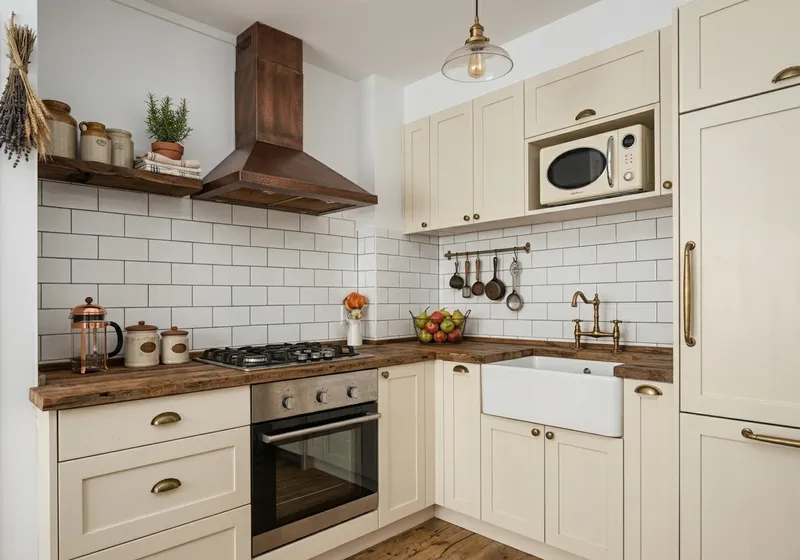
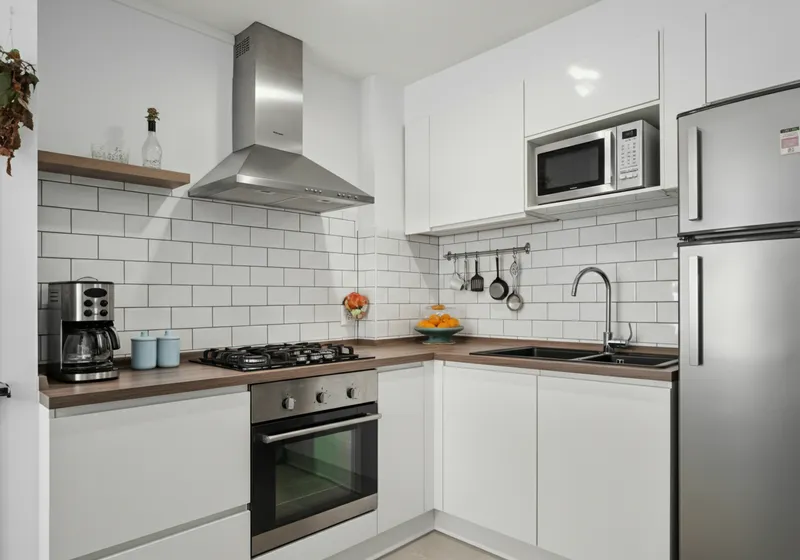
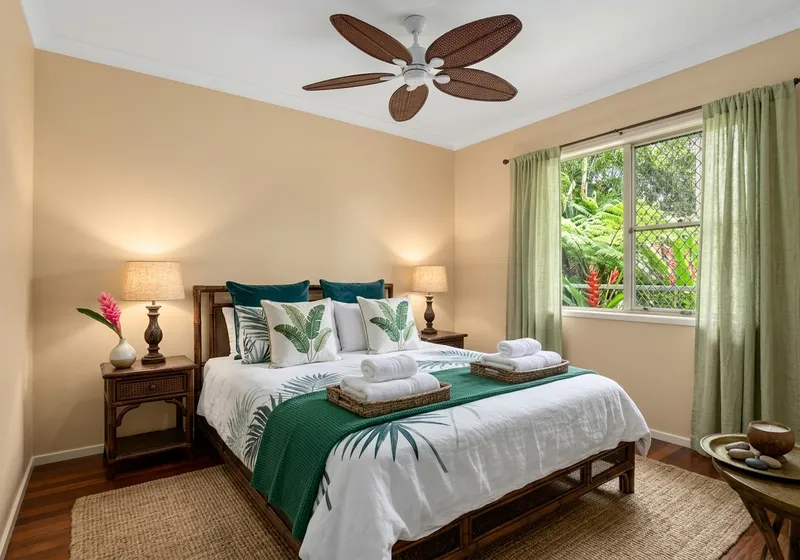
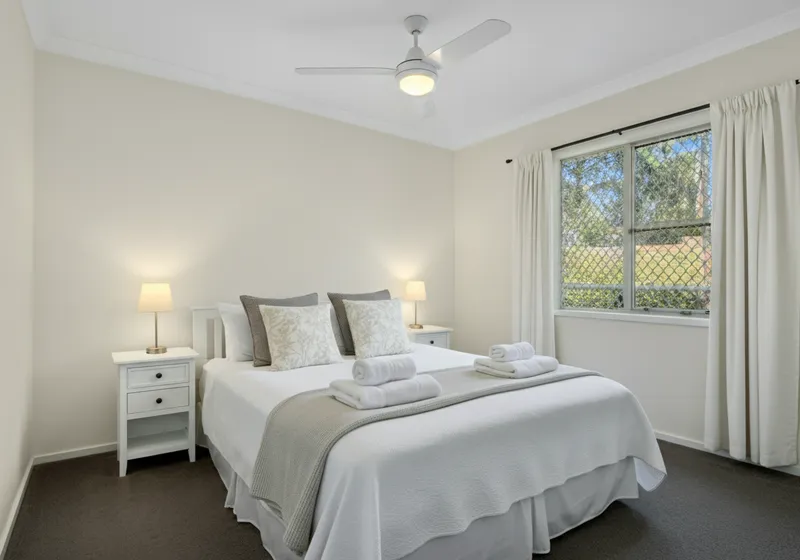
Real before/after virtual staging results — drag the slider to compare.


The Bottom Line
For most agents who need fast, affordable staging on standard listing photos, RoomWren’s instant results and flat-rate pricing make it the practical choice. If you need pixel-level furniture control, 360° staging, or video support, Apply Design offers capabilities RoomWren doesn’t — at a significantly higher per-image cost.
Learn more about RoomWren virtual staging for agents → or see Agent pricing →
Try RoomWren Free
Stage any room in 15 seconds. 3 free stagings per day — no signup, no watermark, no catch.
Upload your room photo
JPG, PNG, or WebP up to 10MB — free, no signup
Redesigning your room...
See More Comparisons
How does RoomWren compare to other virtual staging tools?
How does RoomWren compare to Interior AI? Side-by-side look at features, pricing, free tier, and what you actually get before paying.
RoomWren vs HomeDesigns AI compared.
RoomWren vs RoomGPT compared.
RoomWren vs Collov AI compared.
RoomWren vs REimagine Home compared.
How does RoomWren compare to Virtual Staging AI? Side-by-side comparison of pricing, speed, free tier, and virtual staging features for real estate agents.
RoomWren vs BoxBrownie for virtual staging.
Stage Any Room Type
Virtual staging for every room in your listing:
Ready to Stage Your Next Listing?
Upload any empty room and see it staged in seconds. 3 free stagings per day, no signup.
Or try room redesign for personal use